
01
Matters & clients
Organize participants, children, case information, tasks, intake responses, and saved documents. Reuse matter information in calculations and document templates.
Native desktop apps · Windows & macOS
VaFL Toolkit brings Virginia family-law matters, calculations, deadlines, and trial preparation together. VaFL Drafts turns that preparation into structured legal documents.
Installed on your computer. Distributed directly through this site.
Direct subscriptions are opening soon. No app-store purchase required.
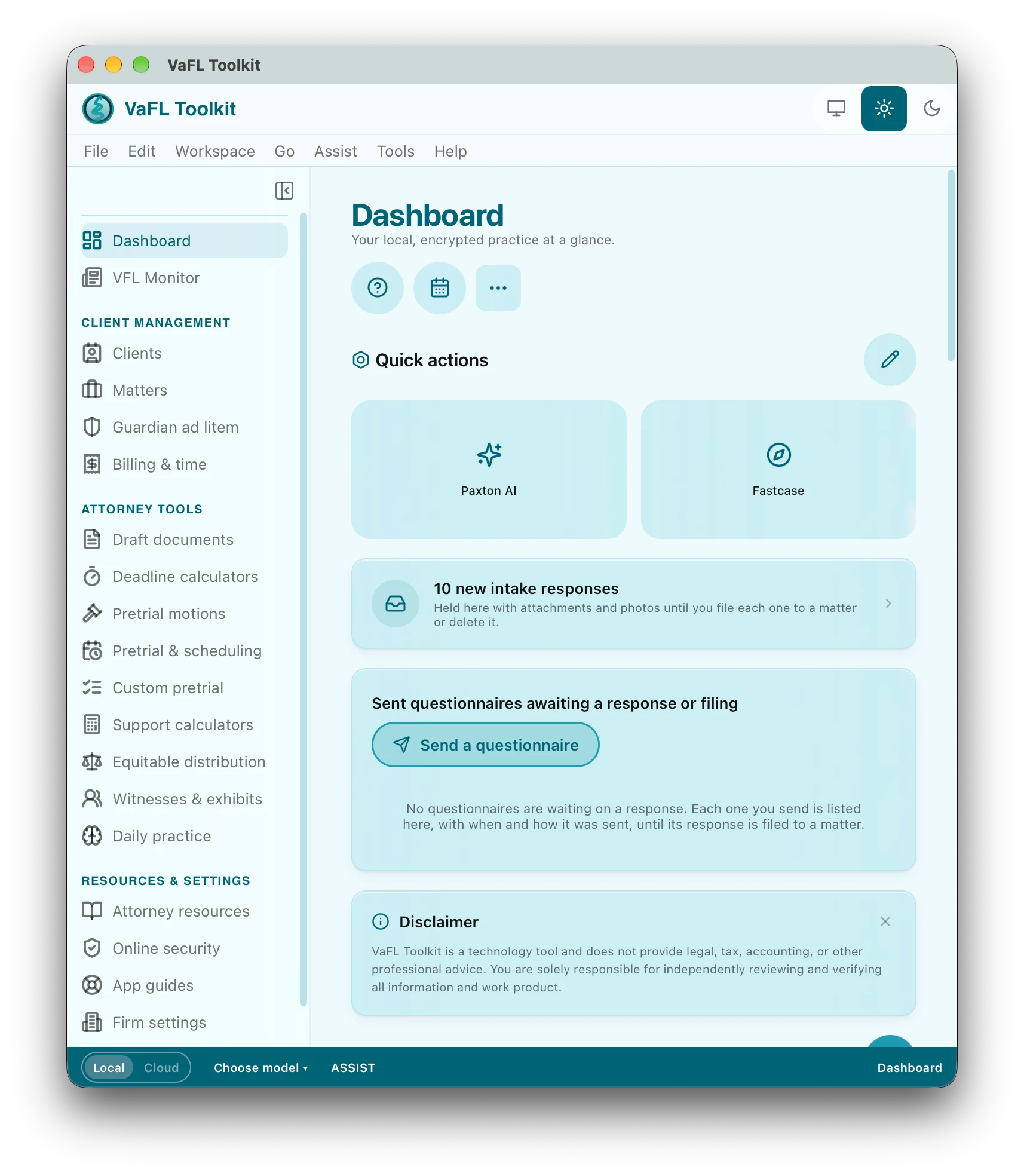
Beta previewThese are real screens from the build our early-access testers are using today. We’re still polishing, so the finished app may look a little different — in good ways.
One matter, connected tools
Keep the case organized, reuse the information you have entered, and prepare documents with the context close at hand.
Organize participants, children, case information, tasks, intake responses, and saved documents. Reuse matter information in calculations and document templates.
Work through Virginia child and spousal support, income analysis, retroactive support, property and debt schedules, retirement issues, and Brandenburg tracing.
Use court-specific scheduling templates, a custom pretrial builder, deadline calculators, pretrial motions, and witness and exhibit preparation.
YOUR TEMPLATES. YOUR MATTER DATA.
Turn information you have already collected into a working draft. Keep your firm’s language, reuse your templates, and spend your time reviewing the substance.
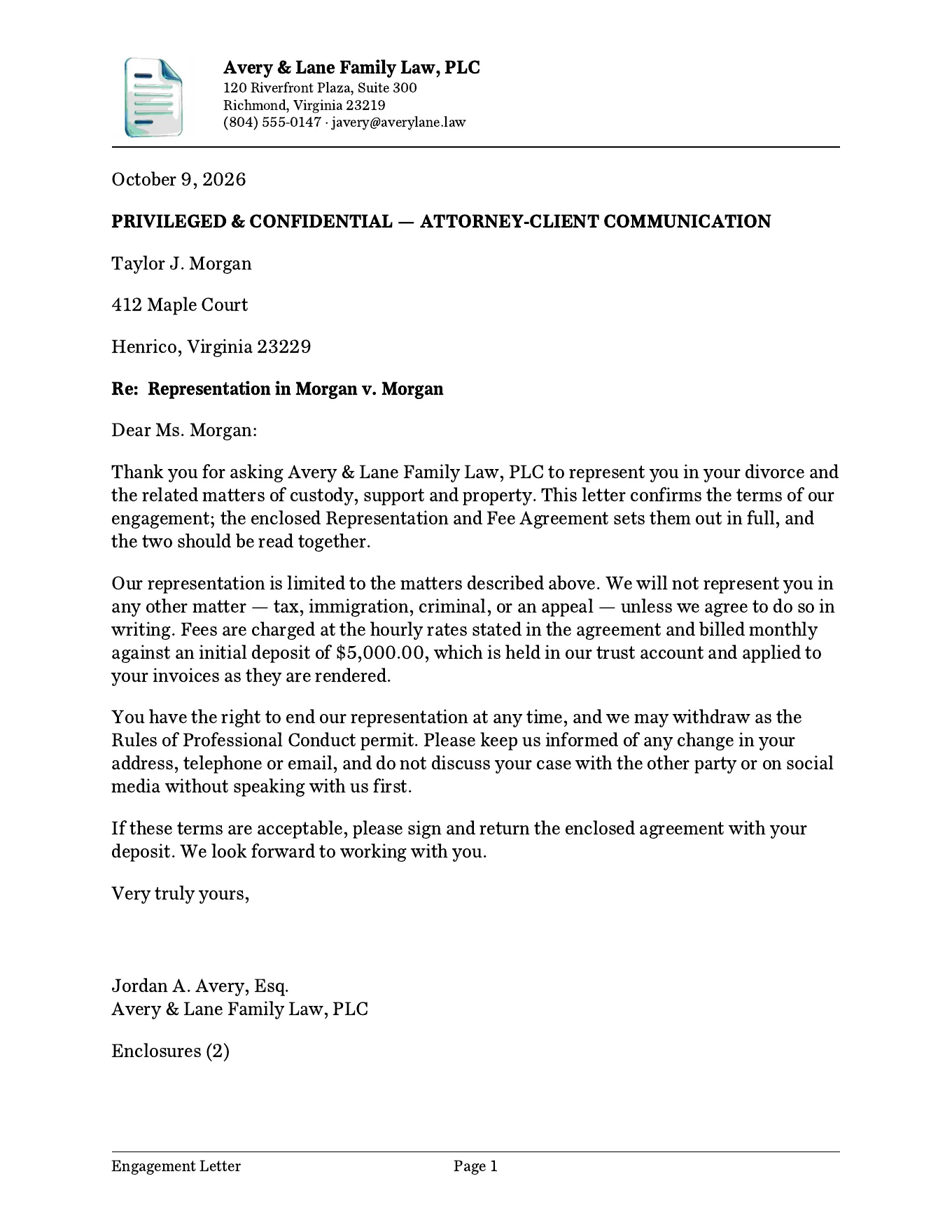
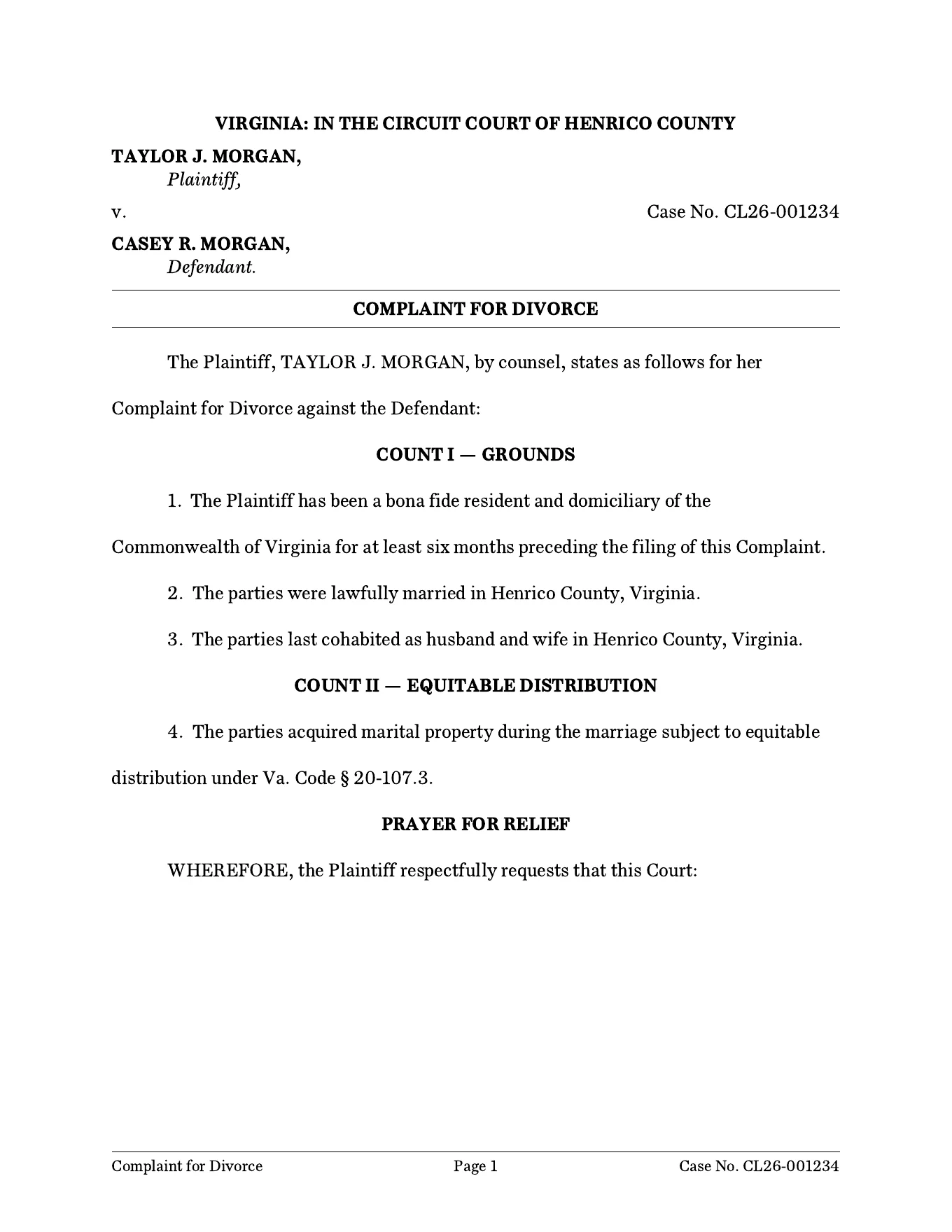
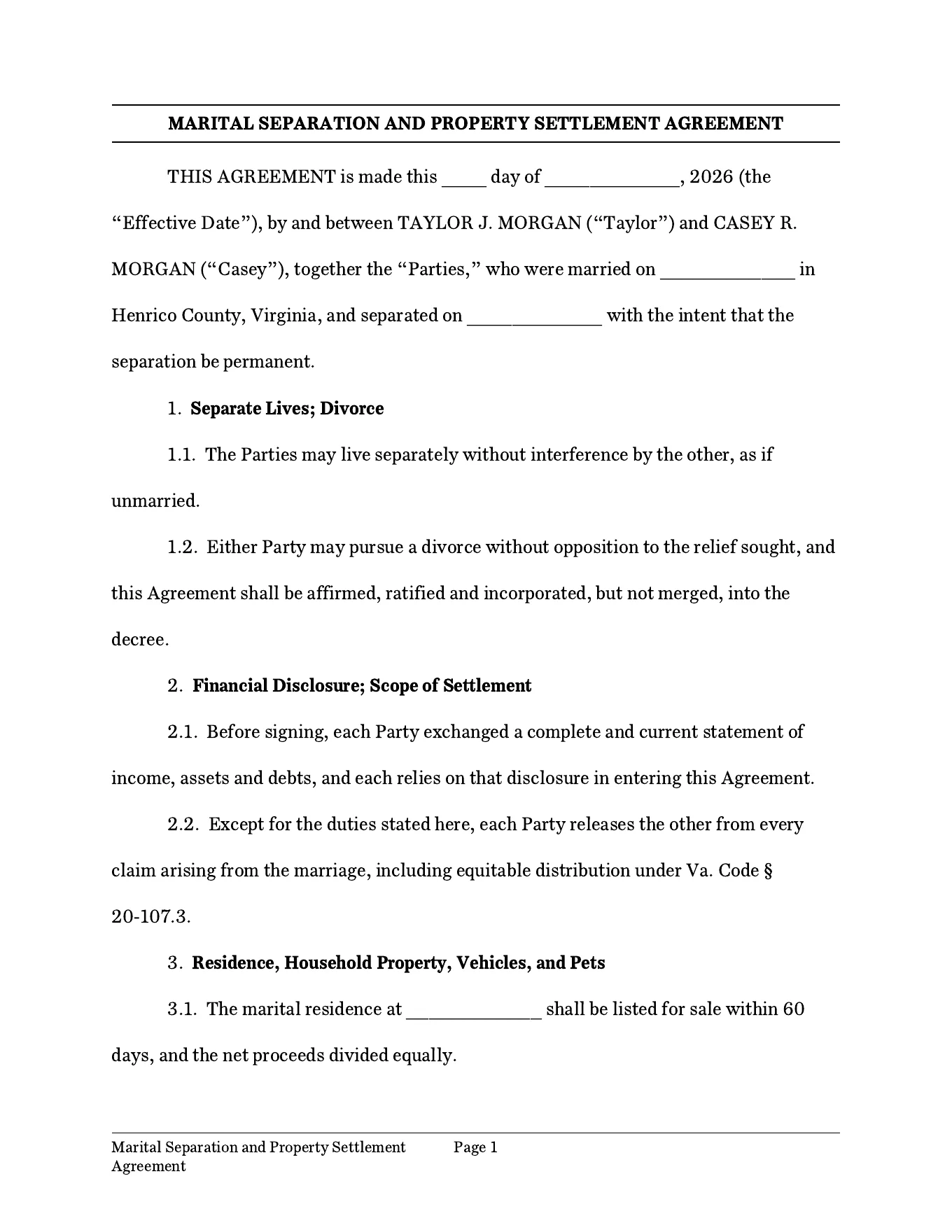
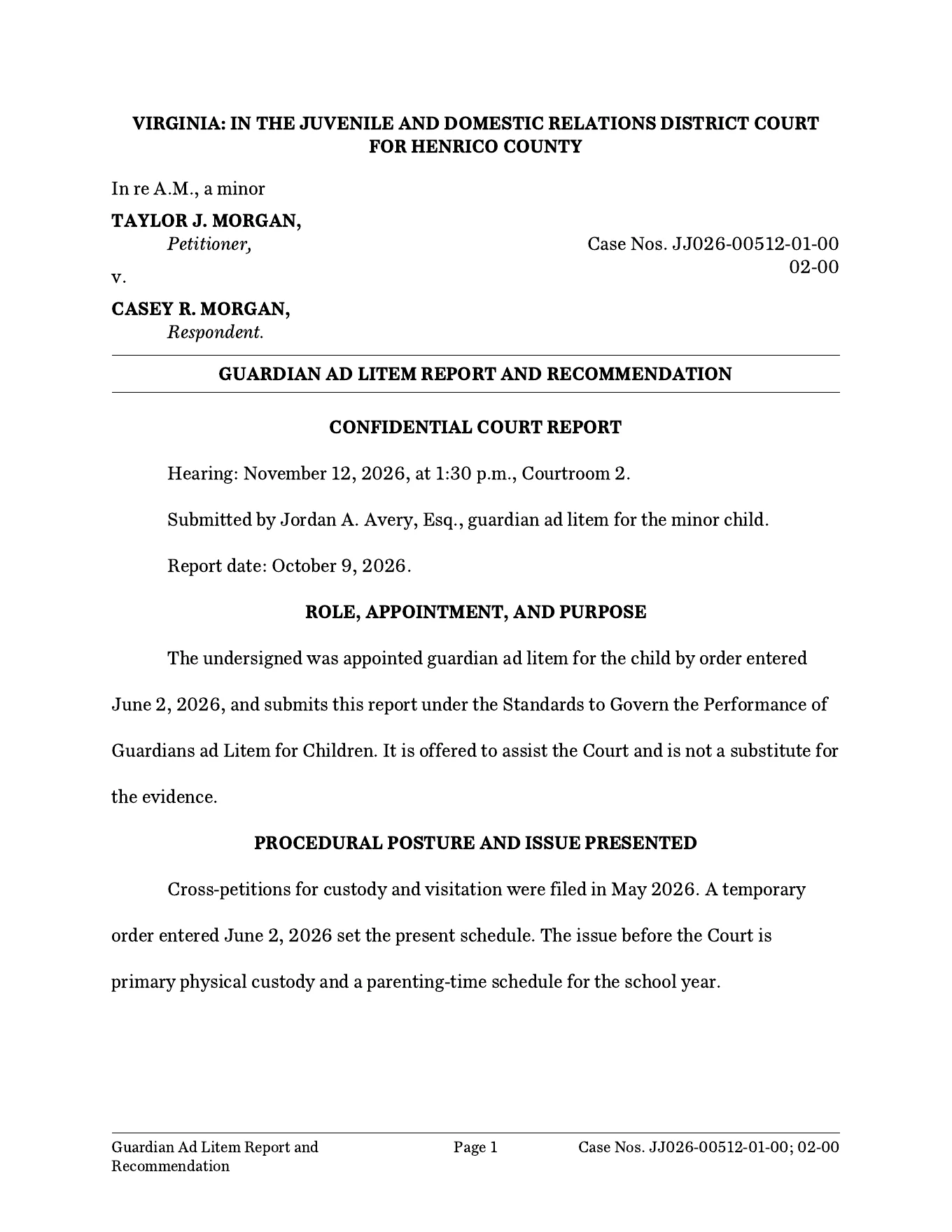
Real outputEach page was generated by VaFL Drafts in the app’s default formatting. The firm, parties, case numbers and details in these samples are fictional and for illustration only; they are not based on any actual matter, and any resemblance to real persons or cases is coincidental.
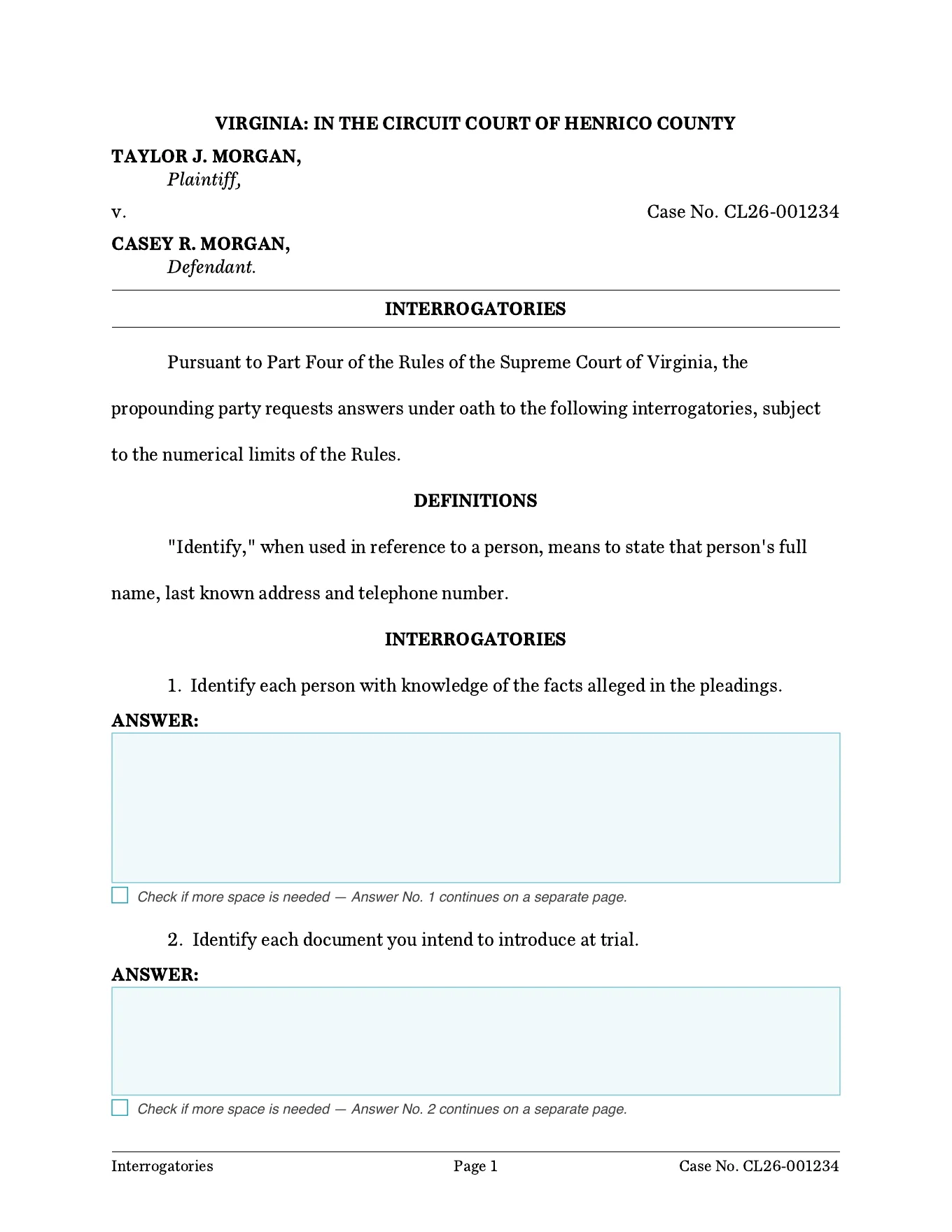
Discovery that comes back filled in
Interrogatories, requests for production and requests for admission leave a reply space under each request. Save As → fillable PDF turns every space into a typing area with a continuation check box beneath it, so opposing counsel or a party can type their responses straight into the PDF. No raw document or editable file changes hands.
Import .docx and native .vad templates, use merge fields and conditional content, and keep your firm’s drafting style.
Use matter-driven generation, reusable letter templates, or Quick Draft when you need a document before opening a matter.
Check missing fields and the generated draft. Continue structured editing in VaFL Drafts and prepare the appropriate DOCX or PDF output.
Guardian ad litem work
GAL Toolkit brings appointment guidance, investigation records, and report preparation into one place. Complete includes the GAL suite alongside the broader family-law toolkit.
Prepare with purpose
Develop case theory, chronology, discovery, witnesses, exhibits, settlement preparation, and trial follow-through in a structured working record.
Organize child-specific investigation, contacts, best-interests analysis, report preparation, and GAL responsibilities.
Open and edit workbooks in either app. The shared workflow checks revisions before exchanging answers; offline work can be reconciled when the Toolkit reconnects. Export fillable PDFs or print copies. General matter transfers remain subject to review.
The drafting companion
Captions, numbered paragraphs, signature blocks, and certificates of service are document elements you can edit, rather than formatting you have to rebuild.
Explore VaFL Drafts →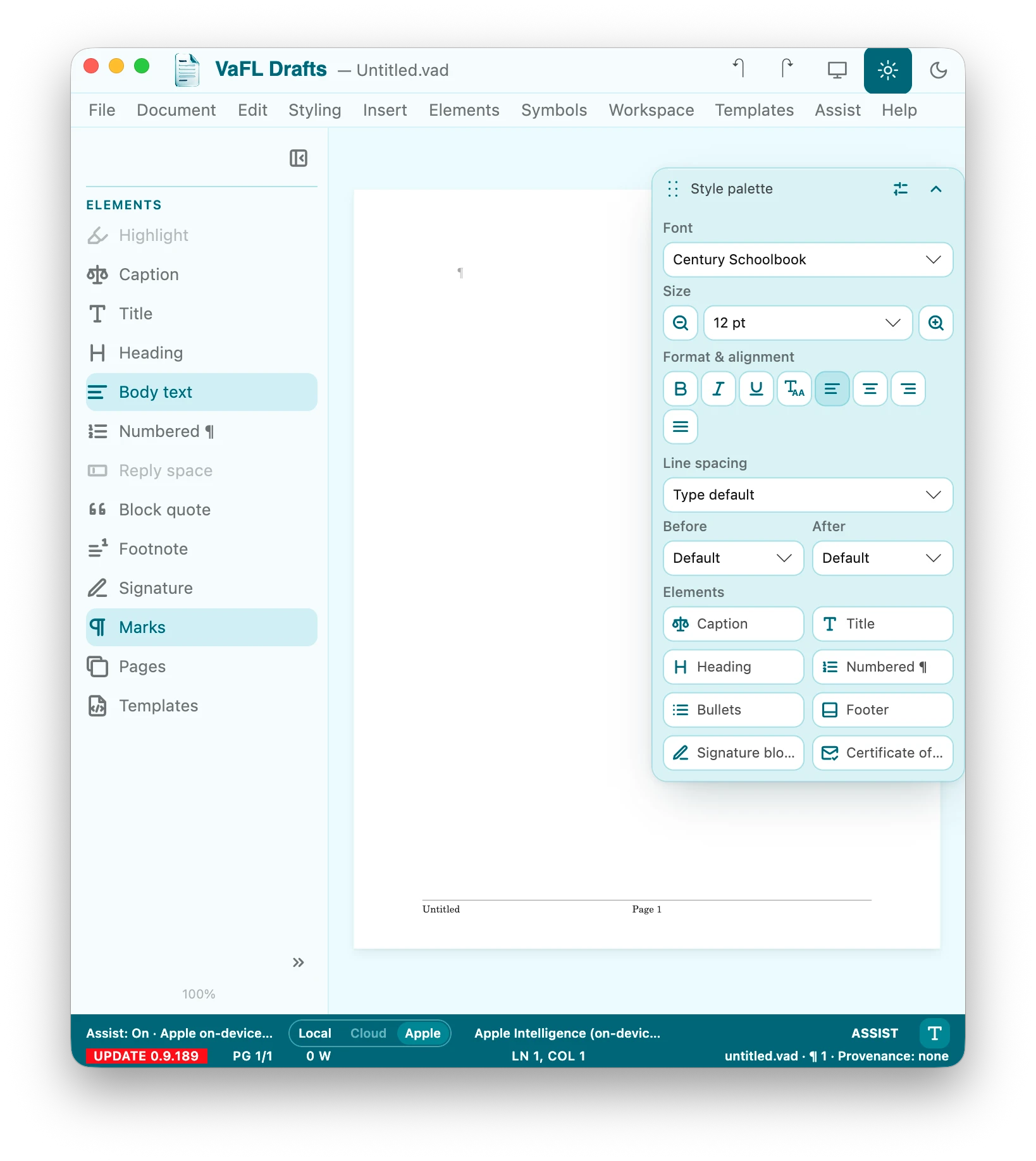
Beta previewA real screen from the current beta. Expect a little more polish before the final release.
DAILY PRACTICE
Make a few minutes between matters count. Four practice areas live inside VaFL Toolkit: narrated reflections, litigation and client-work reps, communication exercises, and trial drills built from courtroom transcripts. Every screen below is real and comes from the beta our early-access testers are using right now — we’re still refining the details, so the finished version may look a little different.
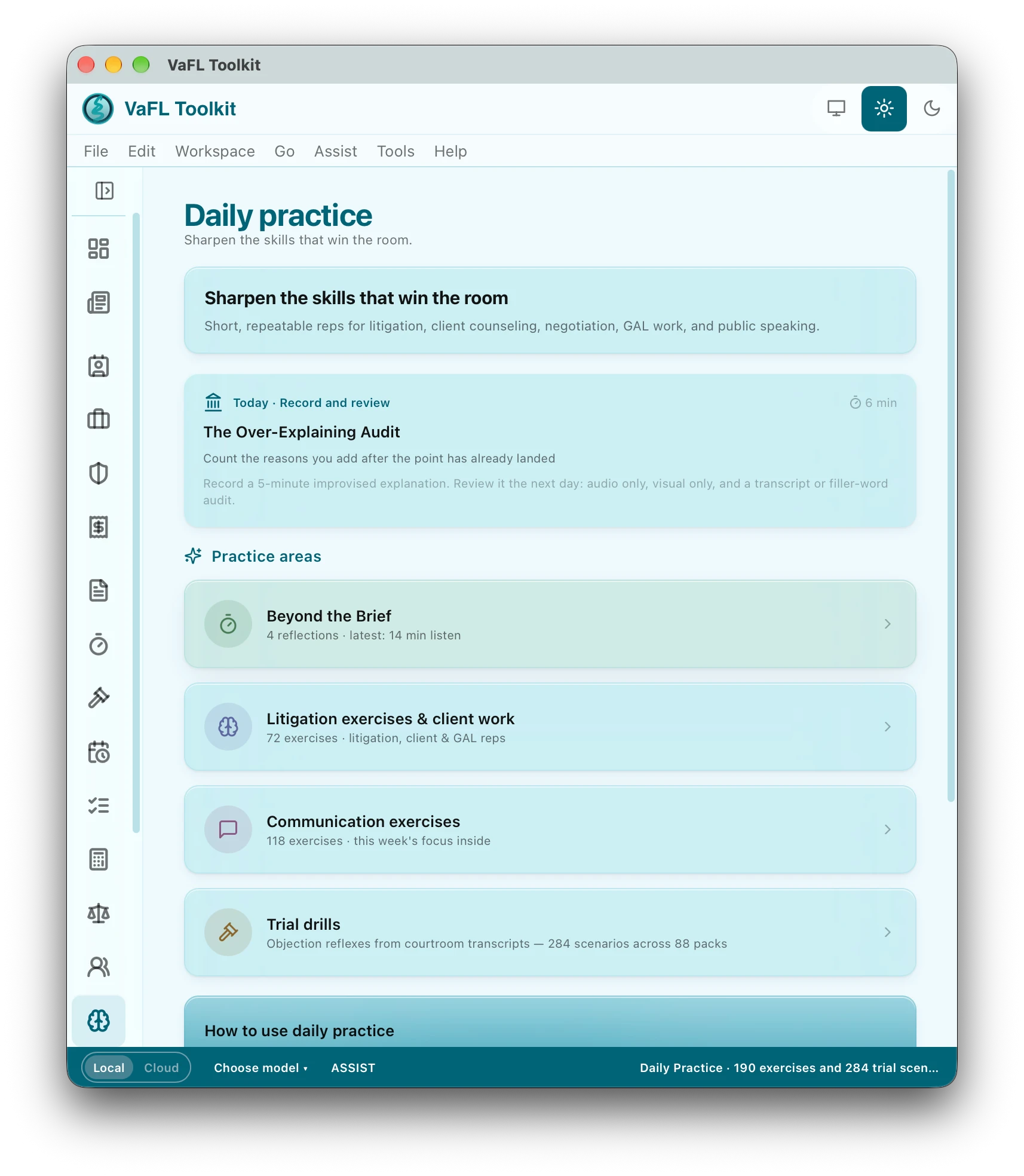
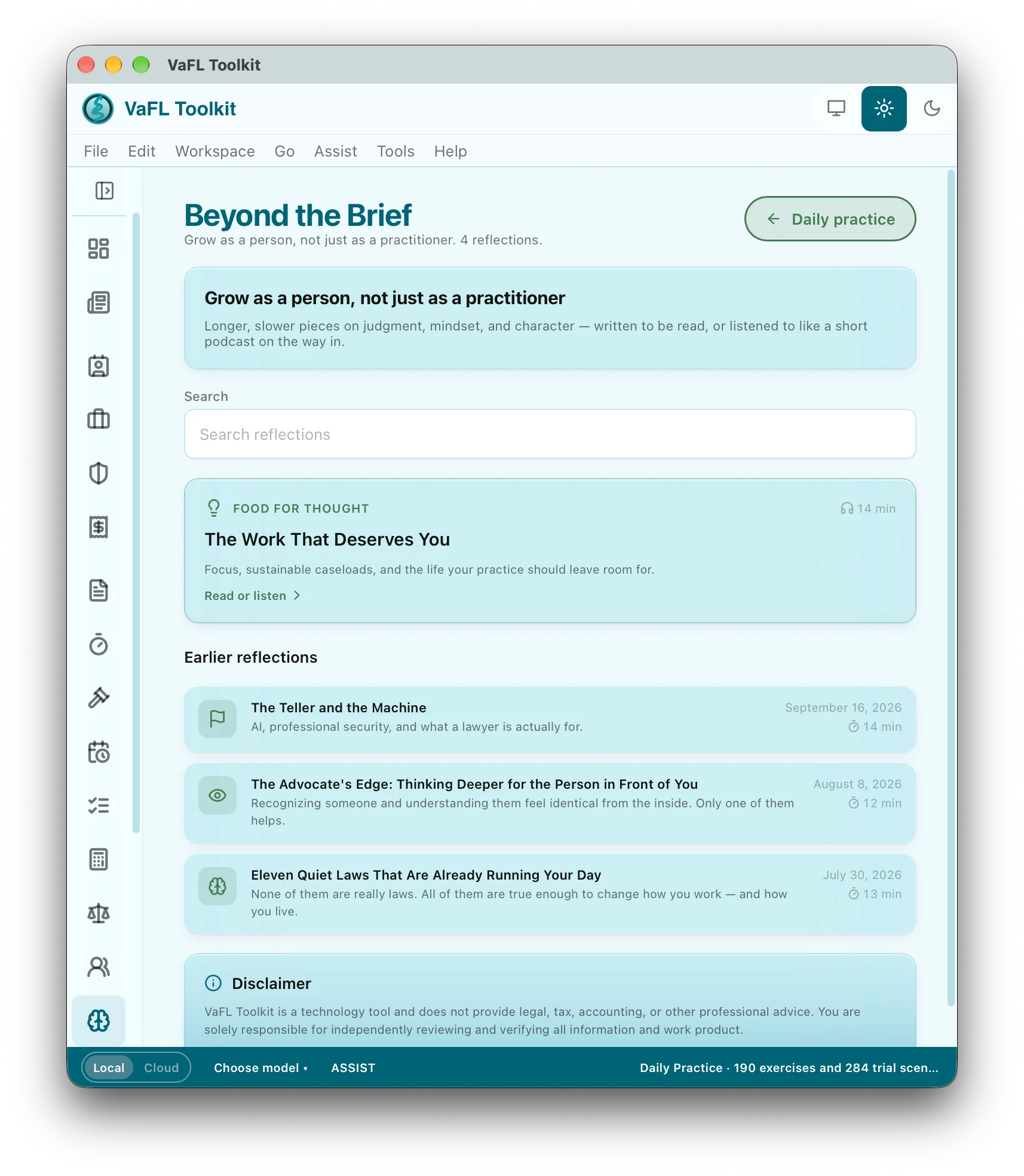
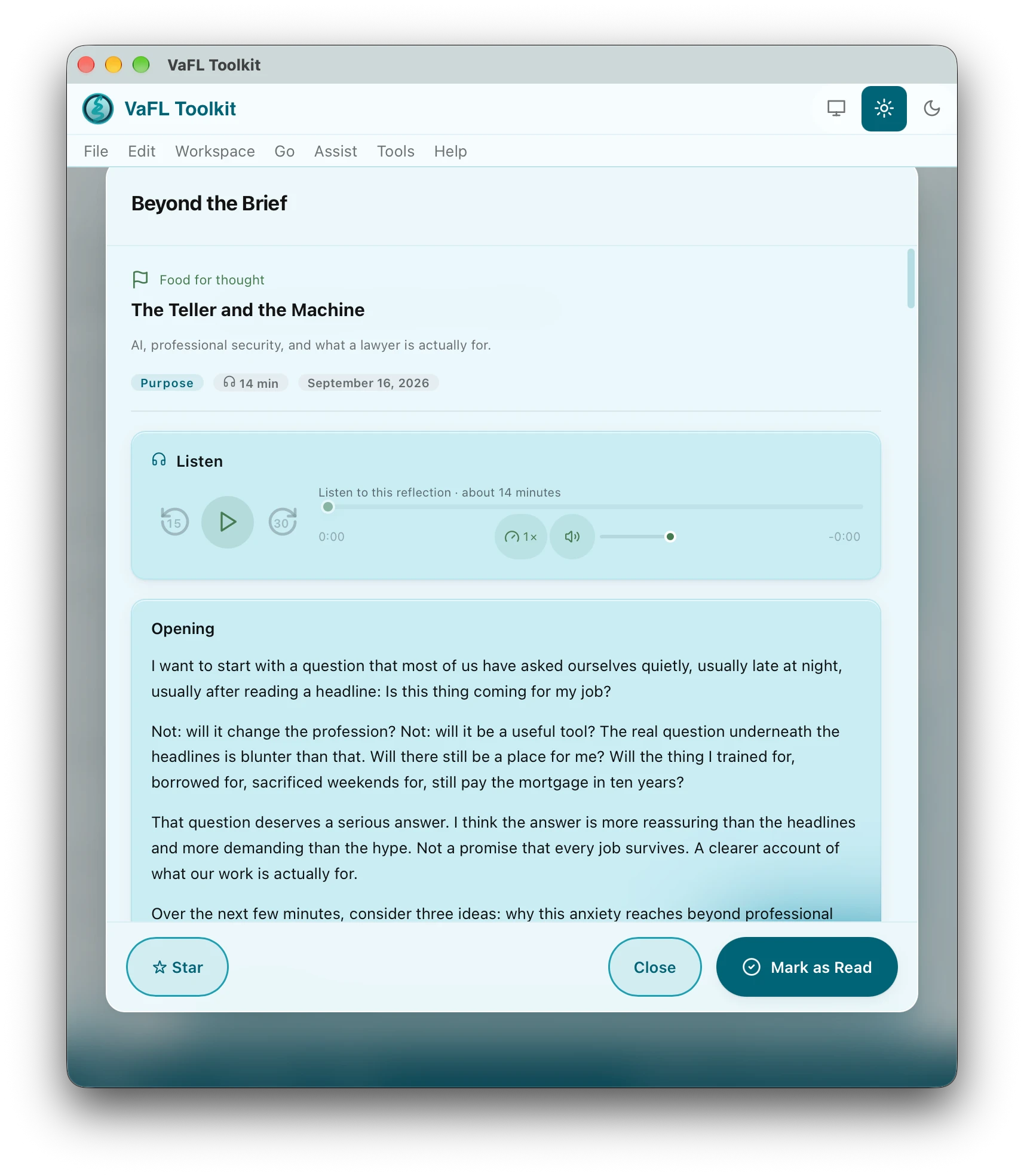
Grow as a person, not just as a practitioner.
Longer, slower pieces on judgment, mindset and character, written to be read or listened to like a short podcast on the way in. Each reflection carries its narration, a running time and a place to mark it read, so a quiet commute becomes part of the practice.
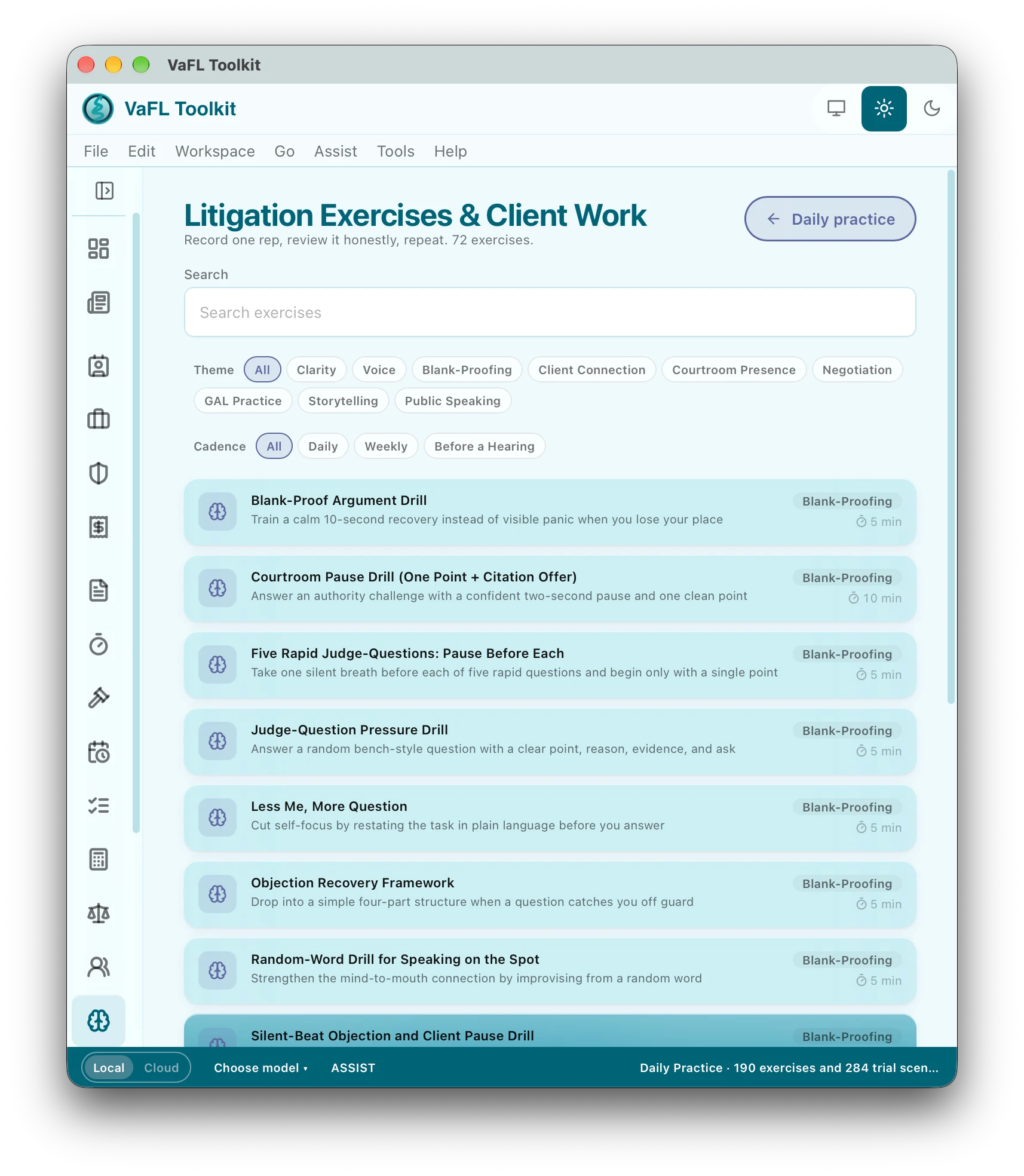
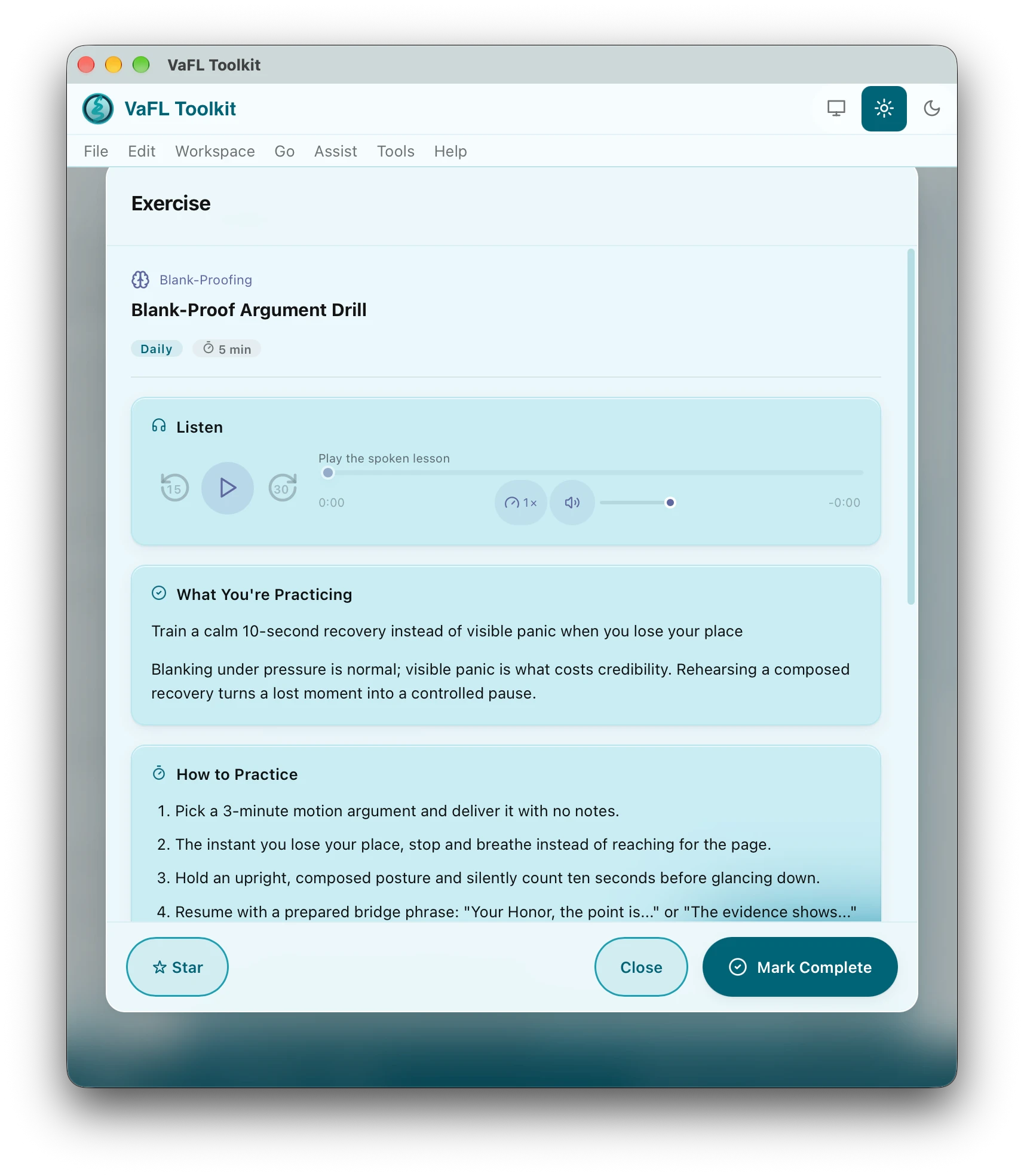
Record one rep, review it honestly, repeat.
Seventy-two short exercises for the work itself: motions and arguments, examinations, client conversations and GAL reps. Filter by theme and cadence, open one, listen to the spoken lesson, then practise the way it tells you to.
Clearer conversations with clients, counsel and the court.
A hundred and eighteen exercises, with a focus for each week of the programme. Each one names what you are practising, gives the words to try, and lets you record a rep and review it honestly.
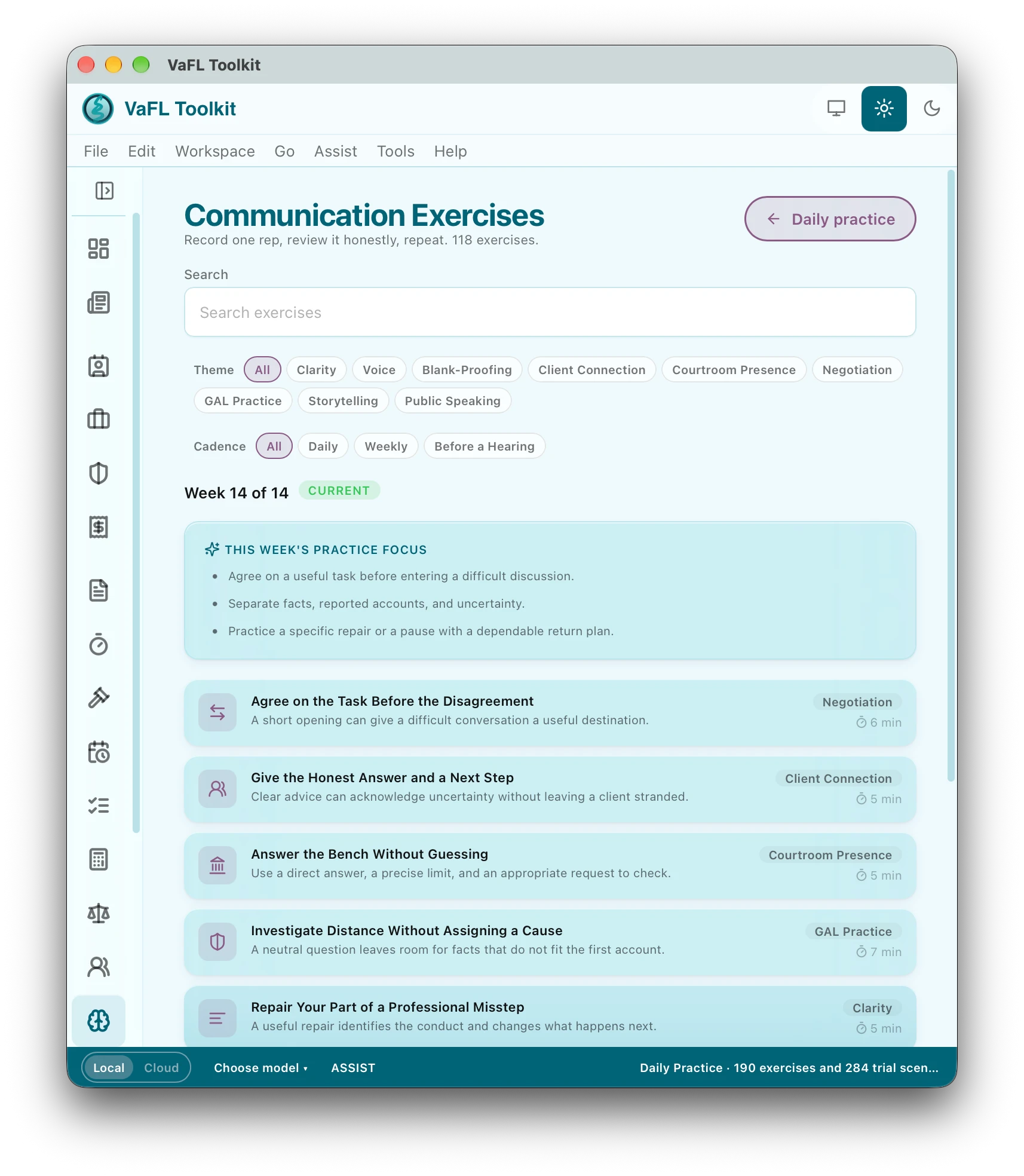
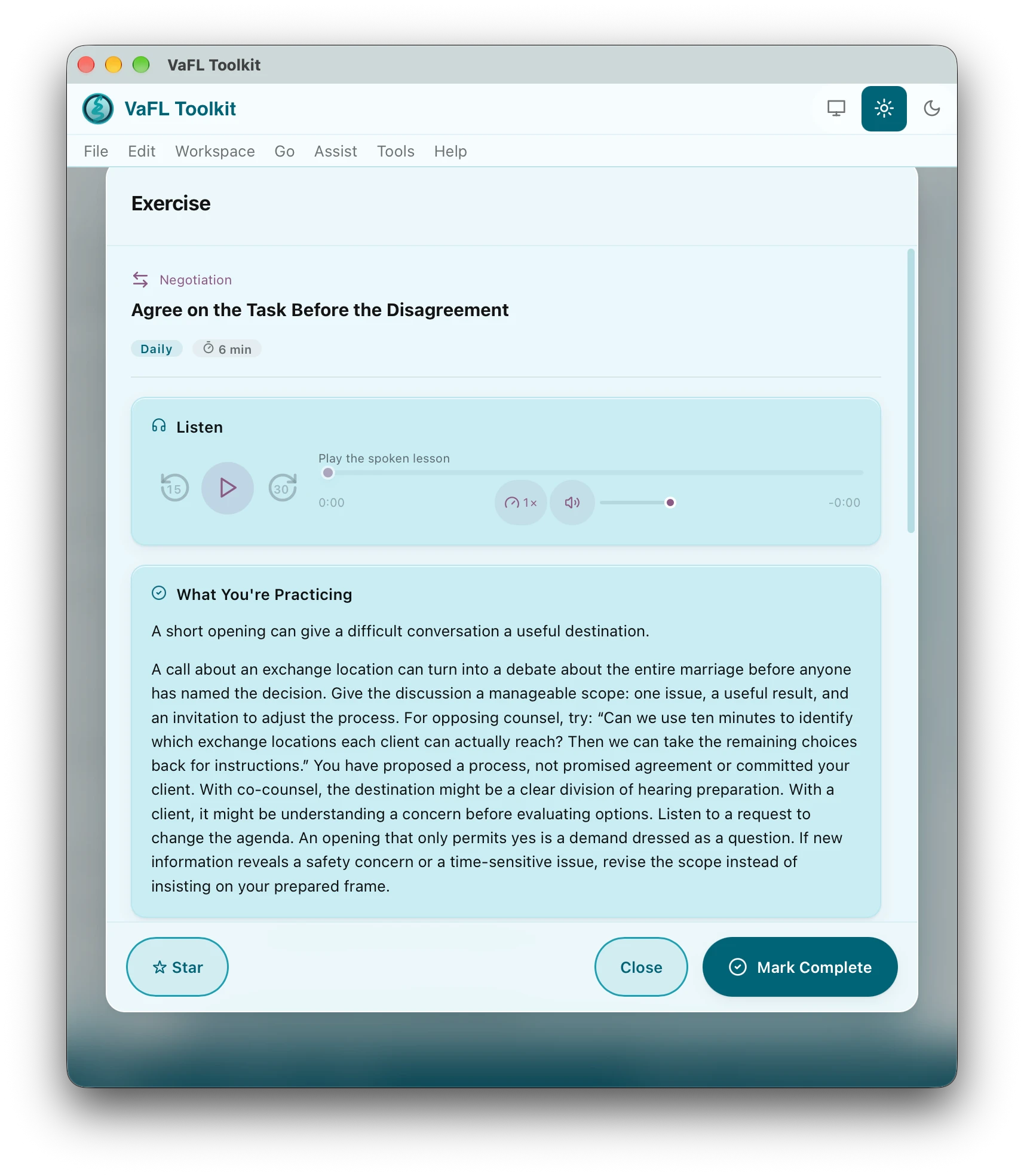
Objection reflexes, built from courtroom transcripts.
Two hundred and eighty-four scenarios across eighty-eight packs. Practise by objection family or search the whole library, then take a scenario one exchange at a time: read it or hear it aloud, and when the moment comes, make the call.
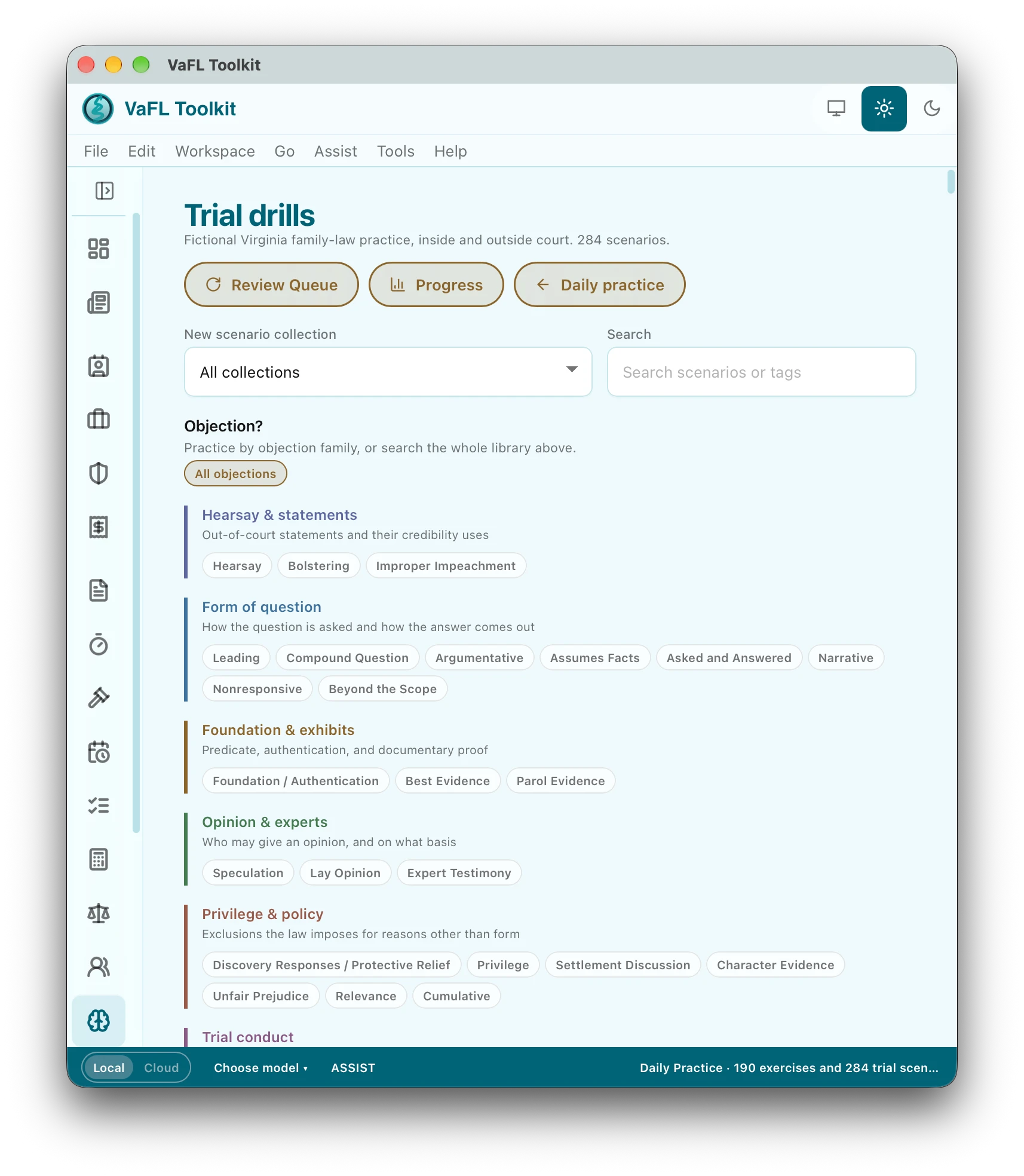
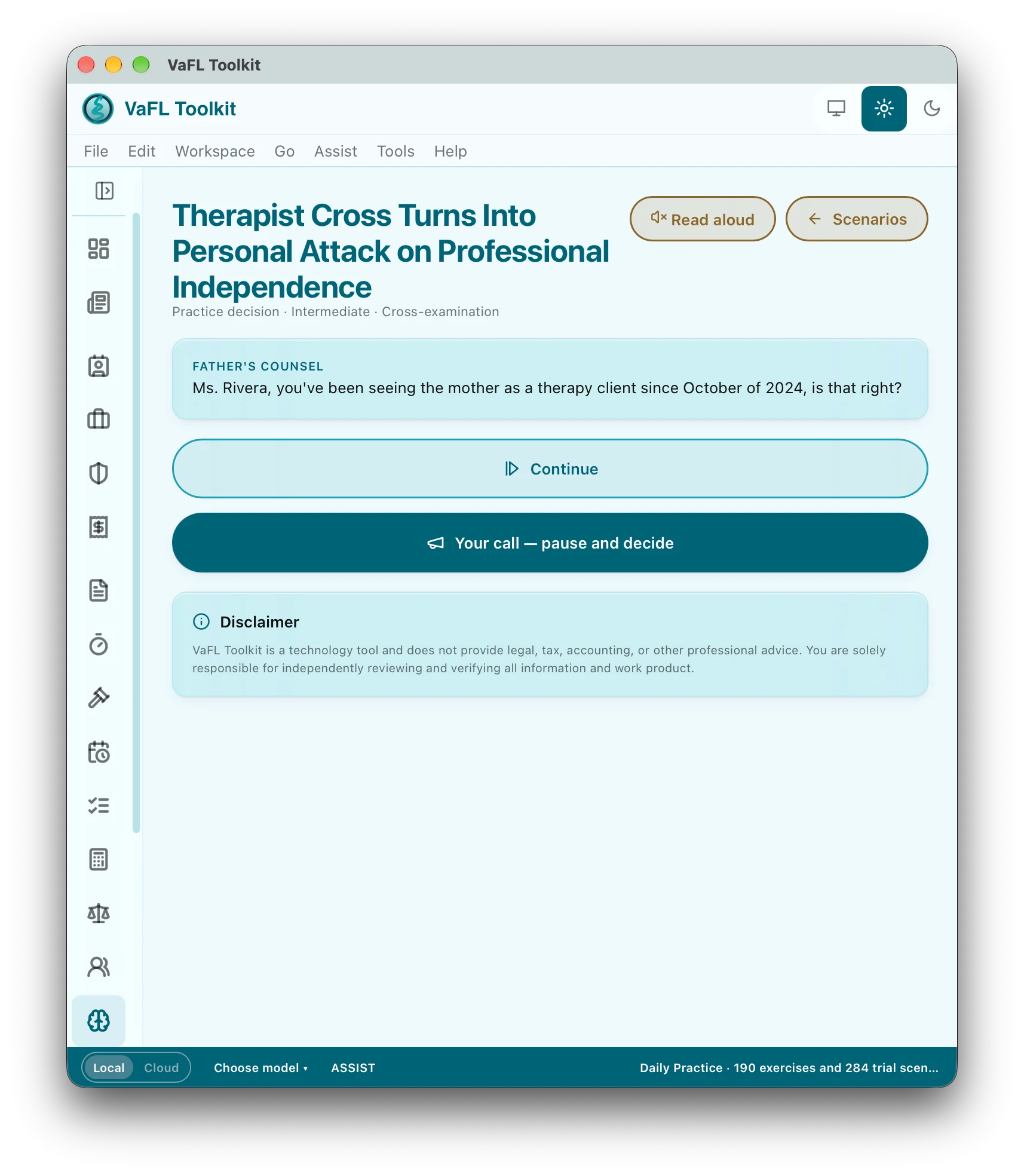
Always current · Included with every plan
A reference library of 336 cards across twelve practice areas, kept current as the law moves, and the VFL Monitor, a curated feed of Virginia appellate decisions, legislation, agency guidance and VSB discipline. Every subscriber has both, inside the app, one click from any matter.
VFL Monitor
In an unpublished opinion (Record No. 1277-25-2), the Court of Appeals affirmed a divorce on desertion grounds and reversed the equitable distribution…
In an unpublished per curiam opinion (Record No. 0598-25-1), the Court of Appeals affirmed a Suffolk jury conviction under Code § 16.1-253.2…
The VSB imposed a 90-day suspension by agreed disposition, effective September 16, 2026. Violations involved diligence, communication and…
Three of the Monitor’s entries as published on October 9, 2026. Informational only; read the opinion or bill before relying on it.
Attorney resources
Optional assistance
Connect a supported local model service on your computer. Local processing requires setup and suitable hardware; the app does not require AI for its core workflow.
Choose a cloud provider and supply your own credentials. Selected prompts and content leave the device when you authorize a cloud request; provider terms and charges apply.
Supported Macs offer an Apple Foundation Models option. Availability depends on the OS, hardware, and enabled system services. System Writing Tools can use different processing paths.
Assist can help with writing, matter briefs, intake and income-document review, and resource suggestions. AI output can be wrong. Review proposed changes and verify sources before accepting them.
Your data, deliberate choices
The Toolkit uses an encrypted local database with operating-system key protection. VaFL Drafts working files and exported documents need your own device, backup, and access safeguards.
Optional services include Dropbox sync and sharing, Dropbox Sign, intake services, LawPay, and print-and-mail delivery. Each receives the information needed for the action you authorize.
Read how storage, AI, payments, and licensing use information →
CONNECTED WHEN YOU CHOOSE
Intake, documents, signatures, payments, and mail belong in the same conversation. Connect the services your practice needs and keep control over what you send.

Share questionnaires and import responses into your case workflow.
Sync selected matters and documents through your own account.
Send documents for signature and track the signing workflow.
Use hosted client-payment links with billing and trust workflows.
Send physical correspondence through Print & Mail with delivery tracking.
Choose a supported local model or a cloud provider with your own credentials.
Same plans. Direct subscriptions.
One named-user subscription for Windows and macOS. VaFL Drafts, the companion app, is included with either plan. A 7-day introductory trial is planned for eligible new subscribers; checkout will show eligibility, the first charge date, and renewal terms.
Focused practice
The guardian ad litem suite and core tools for appointed work.
$19.99 / month
Or $191.99 billed annually. Save $47.89 a year.
View GAL subscriptionThe complete practice
The full family-law toolkit, including the GAL suite, drafting, billing, and trial preparation.
$49.99 / month
Or $479.99 billed annually. Save $119.89 a year.
View Complete subscriptionComplete supports additional named seats billed to the managing attorney. Each additional attorney: $49.99/month or $479.99/year. Each paralegal or legal assistant: $24.99/month or $239.99/year. Up to five additional seats of each type. Each teammate receives their own access; a shared login is not a firm seat.
Direct subscriptions are opening soon. Checkout is not active yet; early-access accounts are set up by invitation. Prices are in USD; applicable tax is additional. Optional third-party services may charge separately.
A straightforward purchase
When direct subscriptions open, here is how access will work. The sign-in part is live today for early-access accounts.
Choose a plan and billing period, then review the trial and renewal terms at secure checkout.
There is no password and no license key to type. Enter your email address at account.vfltoolkit.com or in either app, and a one-time code arrives by email.
VaFL Toolkit and VaFL Drafts sign in with the same email and code. Each computer receives its own license, renewed in the background; a named user may sign in on up to three computers per application.
See your plan, its valid-through date, and the computers signed in, and sign one out when you replace it. Orders, receipts, and billing controls arrive with direct purchasing.
Built for the work you do
See what is available to download, or contact us about early access.